
Content Engine
Supercharge Content Delivery
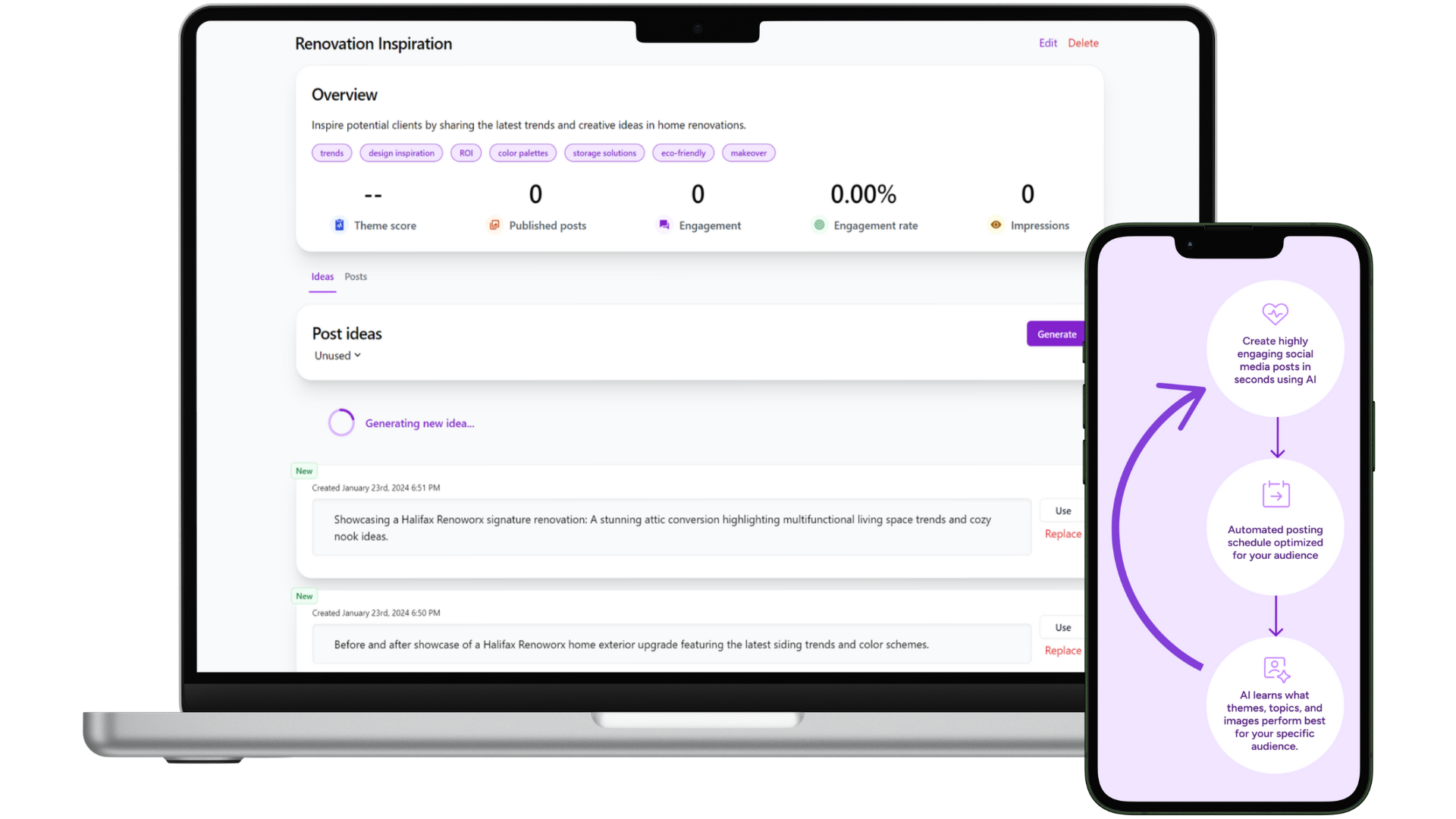
Put content delivery on auto-pilot, and constantly improve over time automatically.
Get started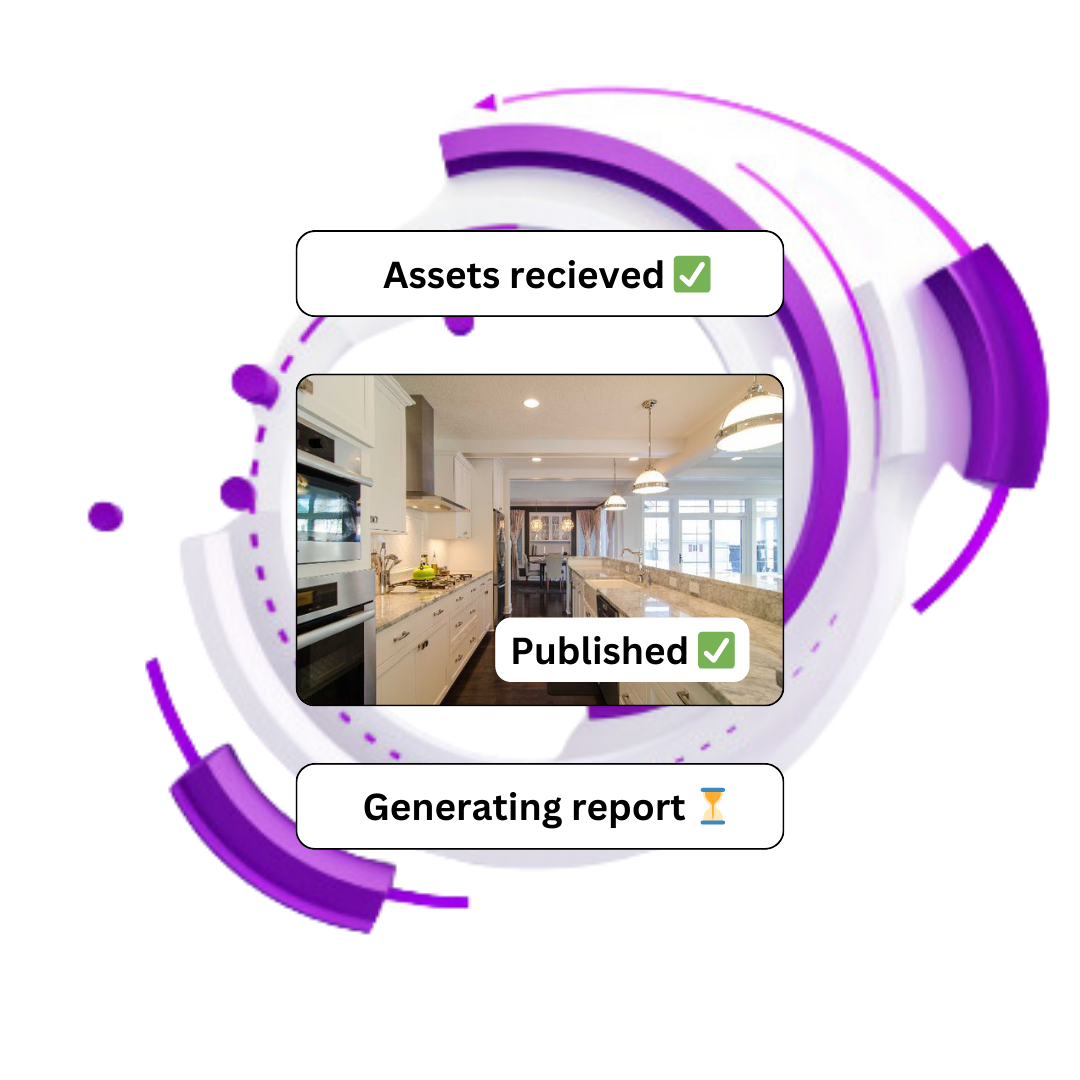
No credit card. Get started for free.
Not just another marketing tool 🚀
LaunchPal powers your end-to-end workflow to help you deliver better results and experience for your brand or to your clients in less time so you can scale exponentially.

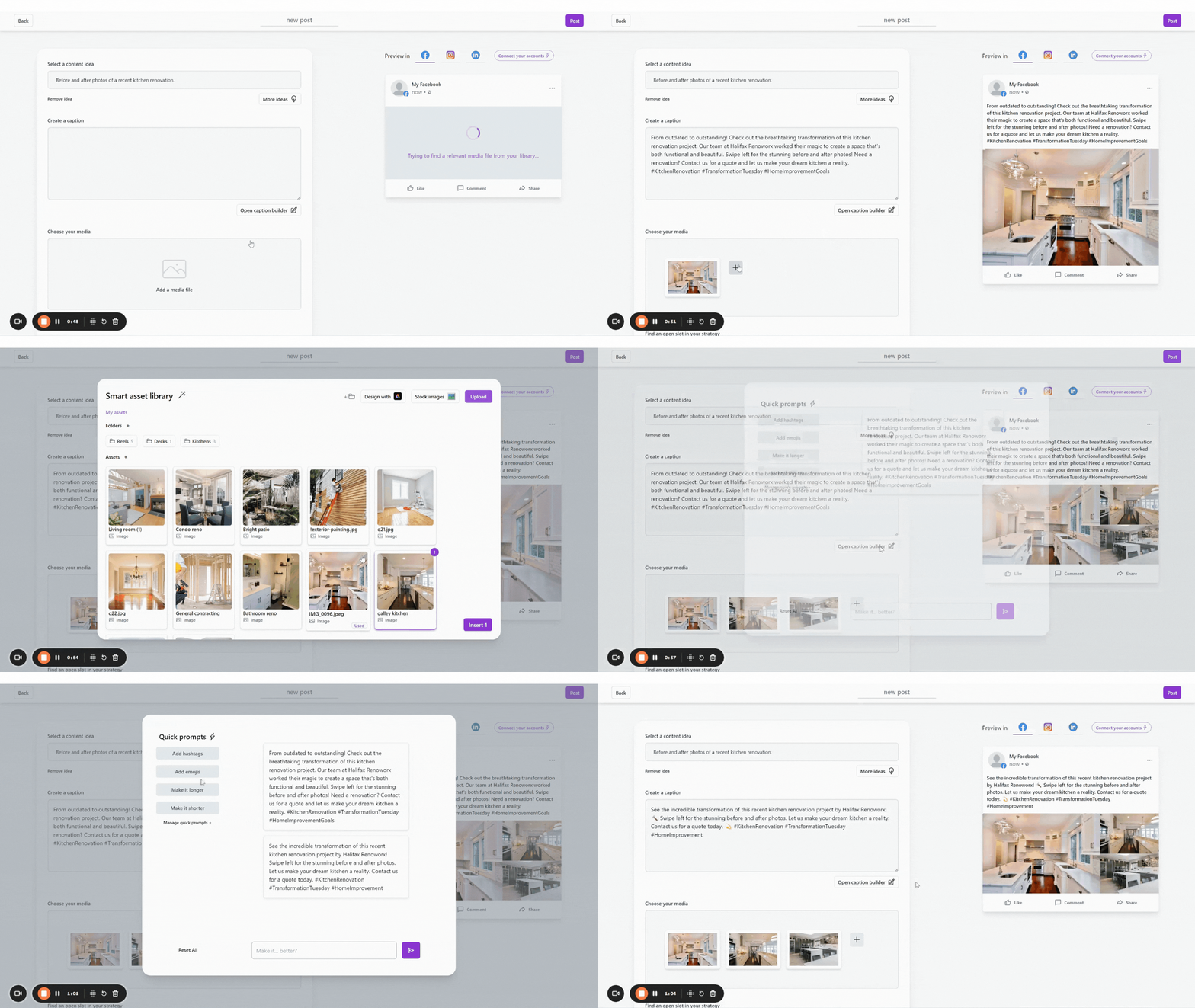
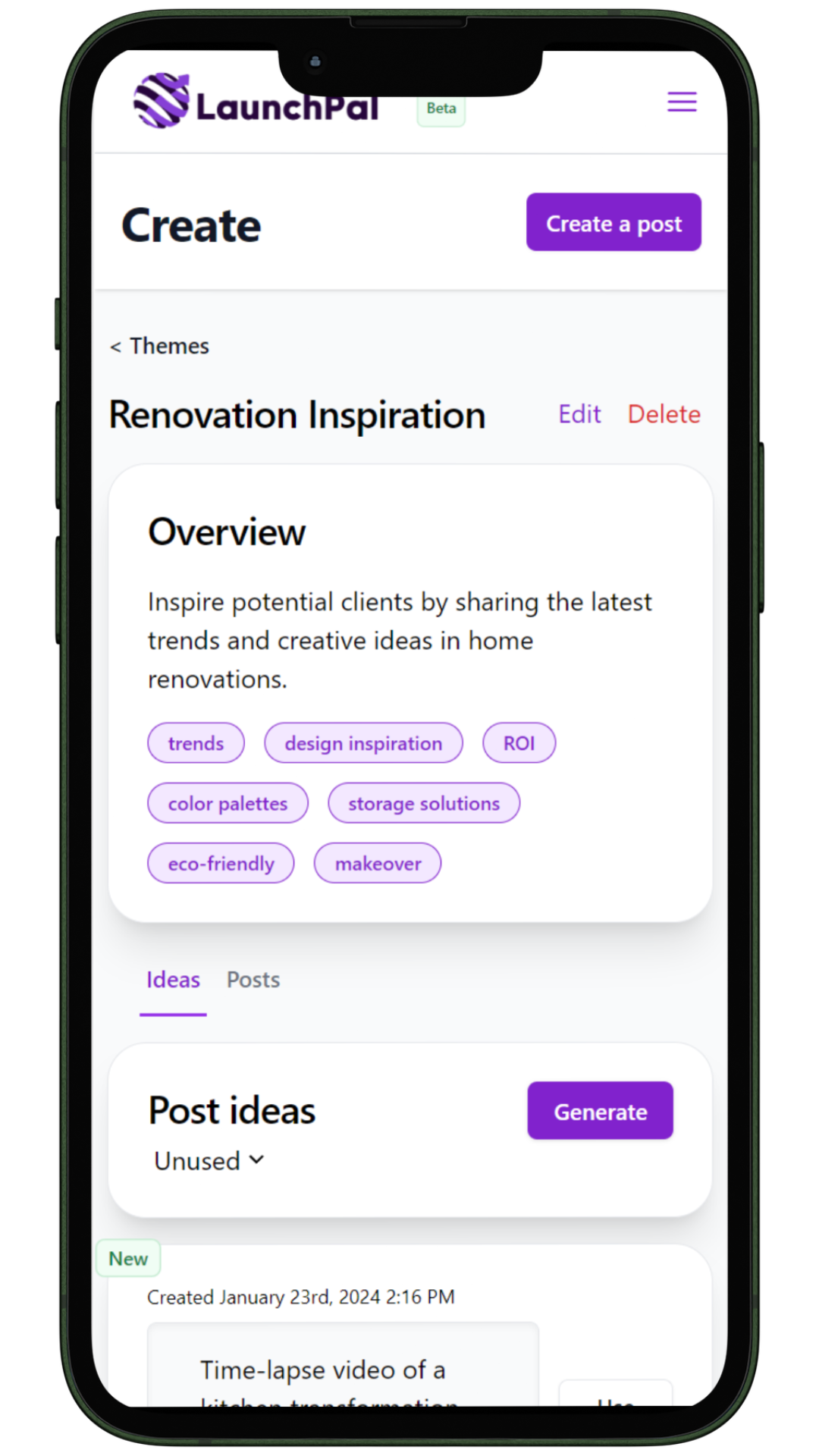
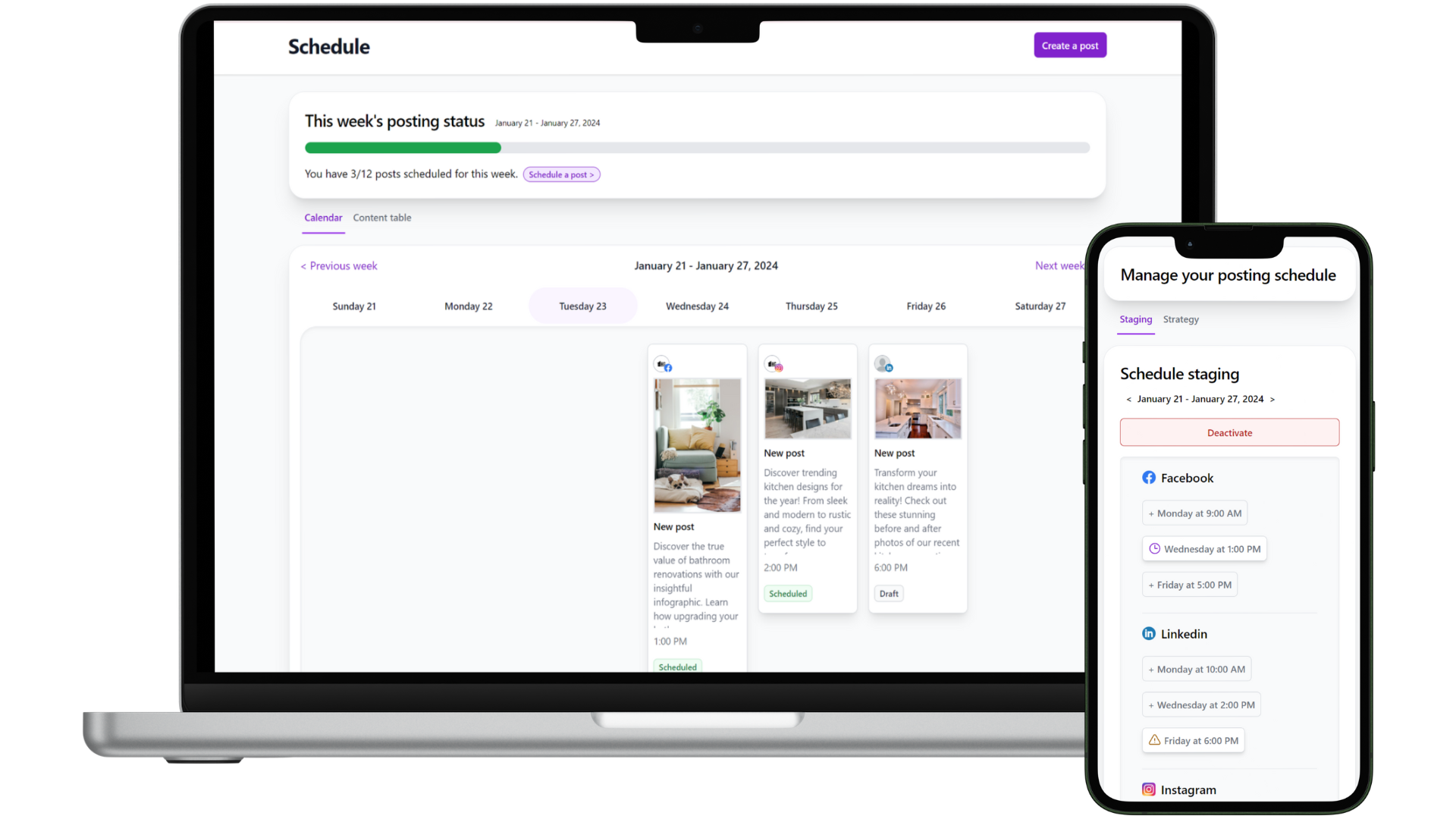
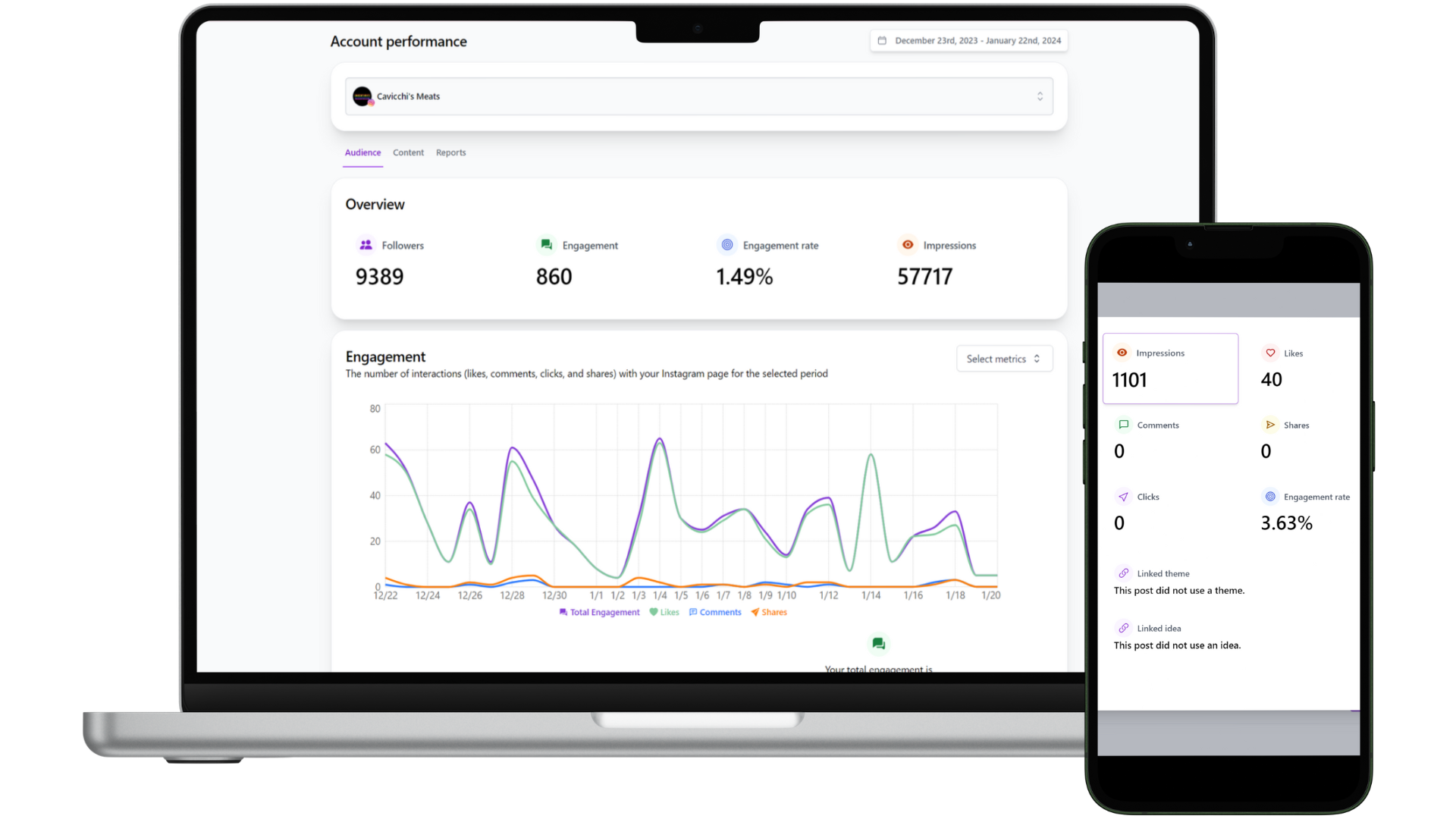
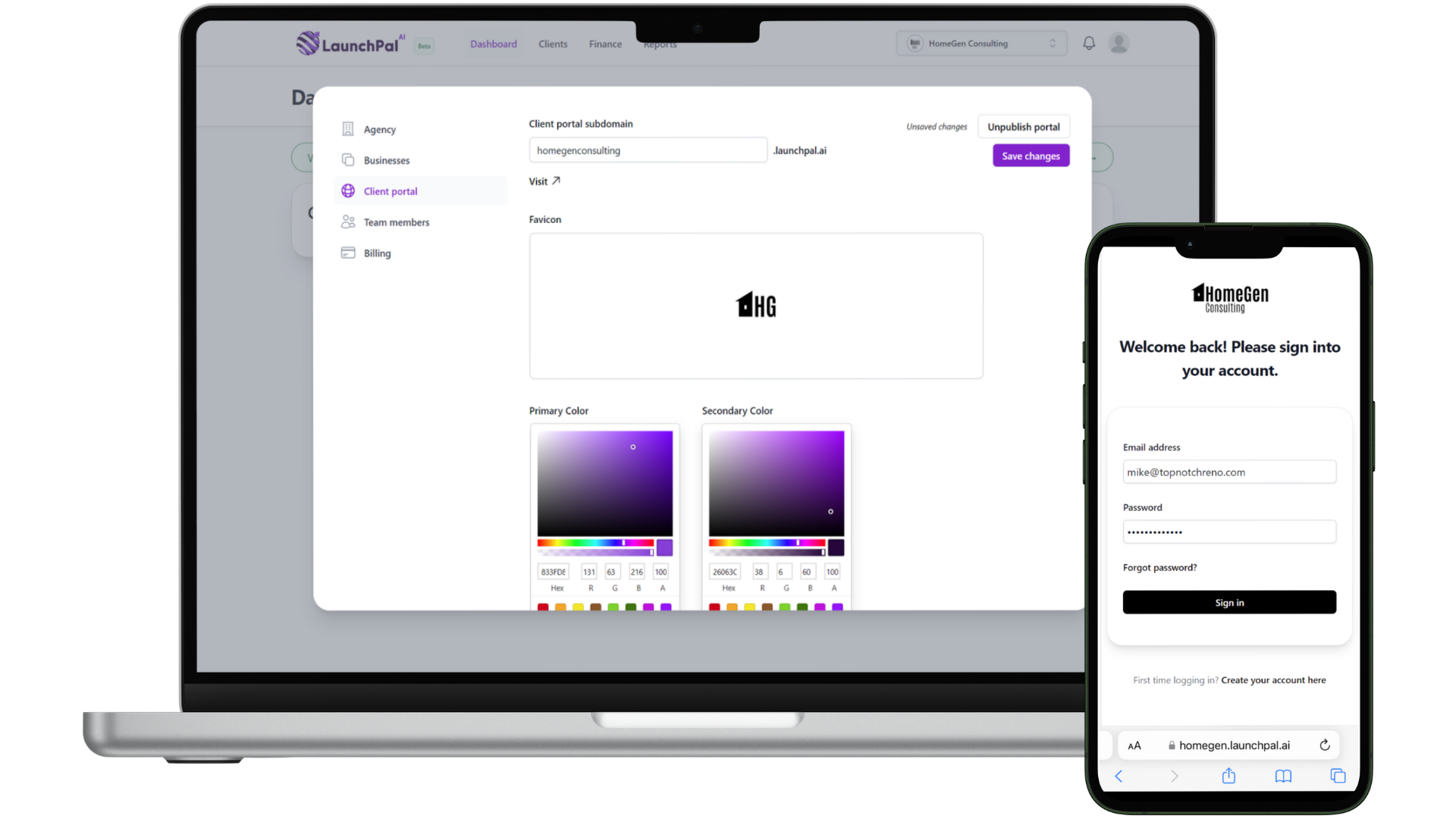
Effortless Setup
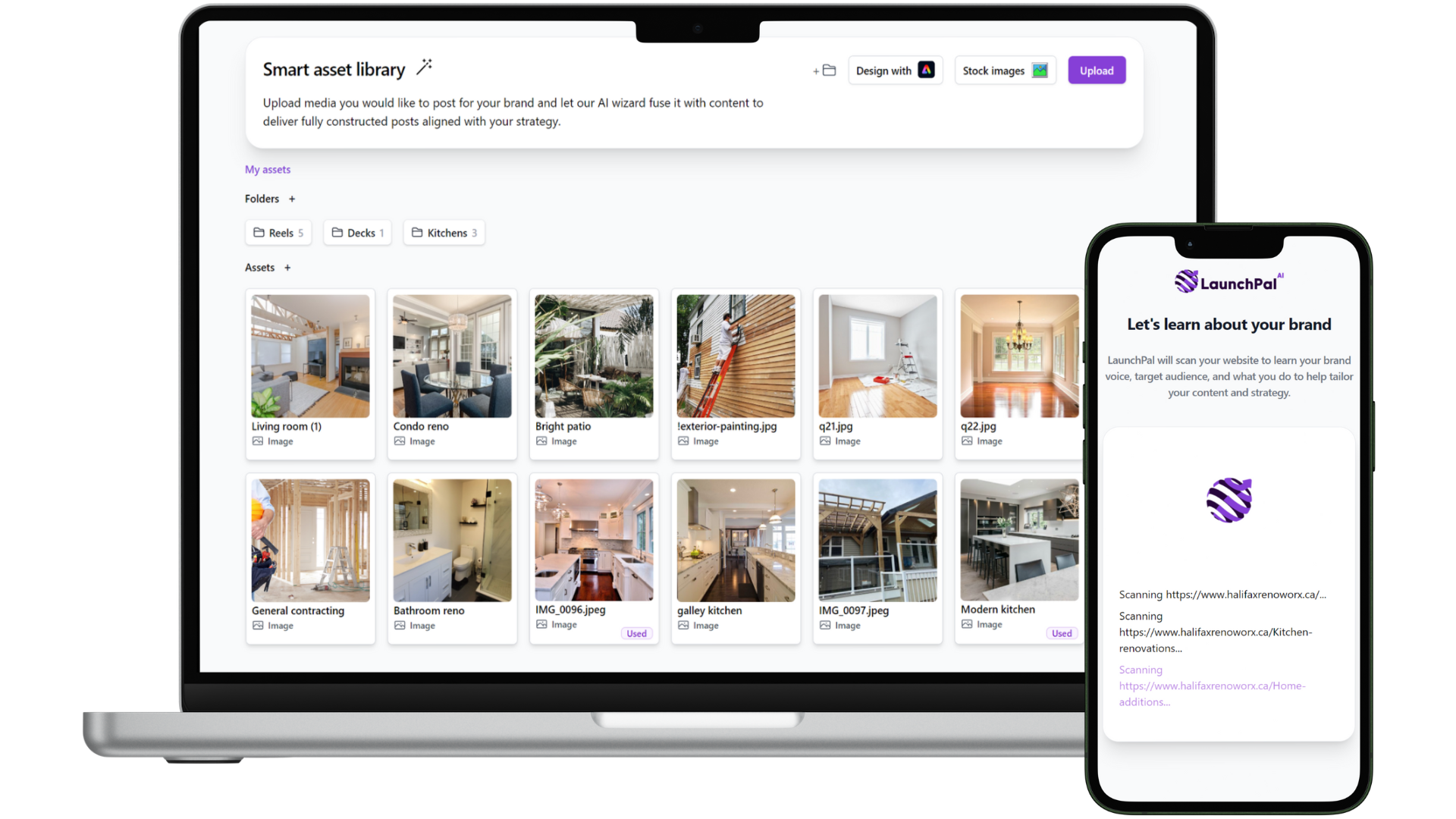
Plug in your or your client's URL and assets and train the platform in seconds. Rinse and repeat for all your brands!
Get started
Supercharge Content Delivery
Put content delivery on auto-pilot, and constantly improve over time automatically.
Get startedElevate Your Offering, Save Time
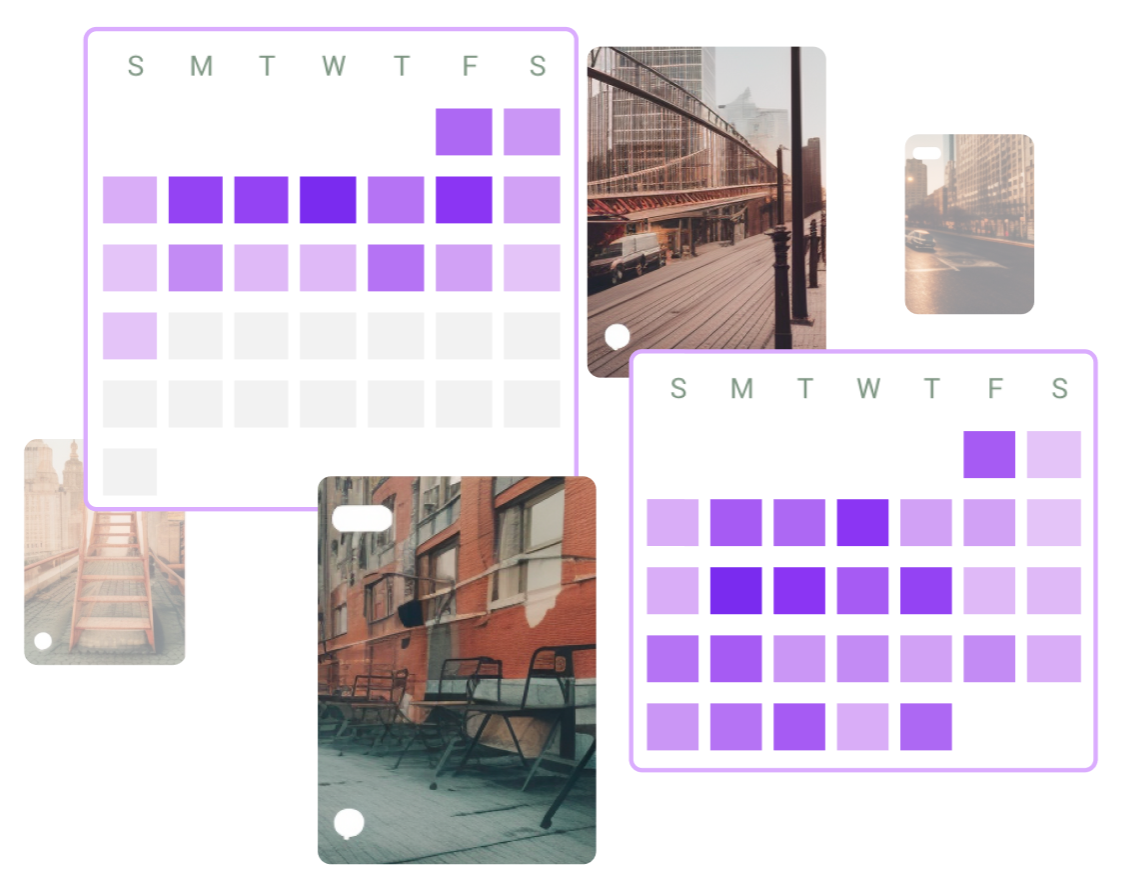
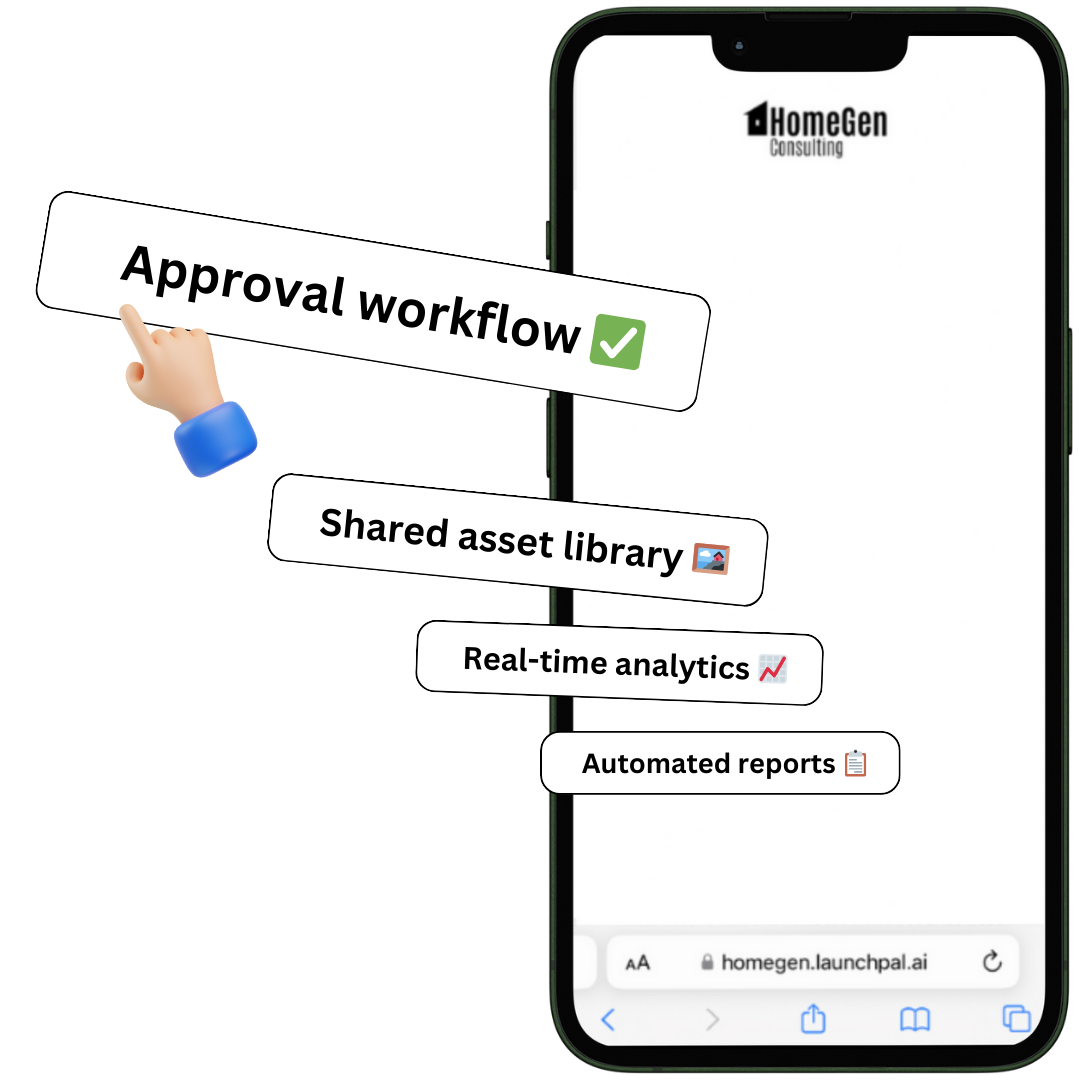
Elevate your brand and client experience, and save you and your clients time. Share assets and reports, manage approvals, and more!
Get started for free.
LaunchPal lives on WhatsApp too. Verify once with your account email, then chat with Launchy, run SEO audits, brainstorm viral content, research companies, and create posts without opening the dashboard.
Connect LaunchPal as an MCP connector. Run SEO audits, virality ideas, company research, and posts from the agent you already use. Sign in with your LaunchPal account — no API key.
After you sign in, copy the connector URL from Settings → MCP.